
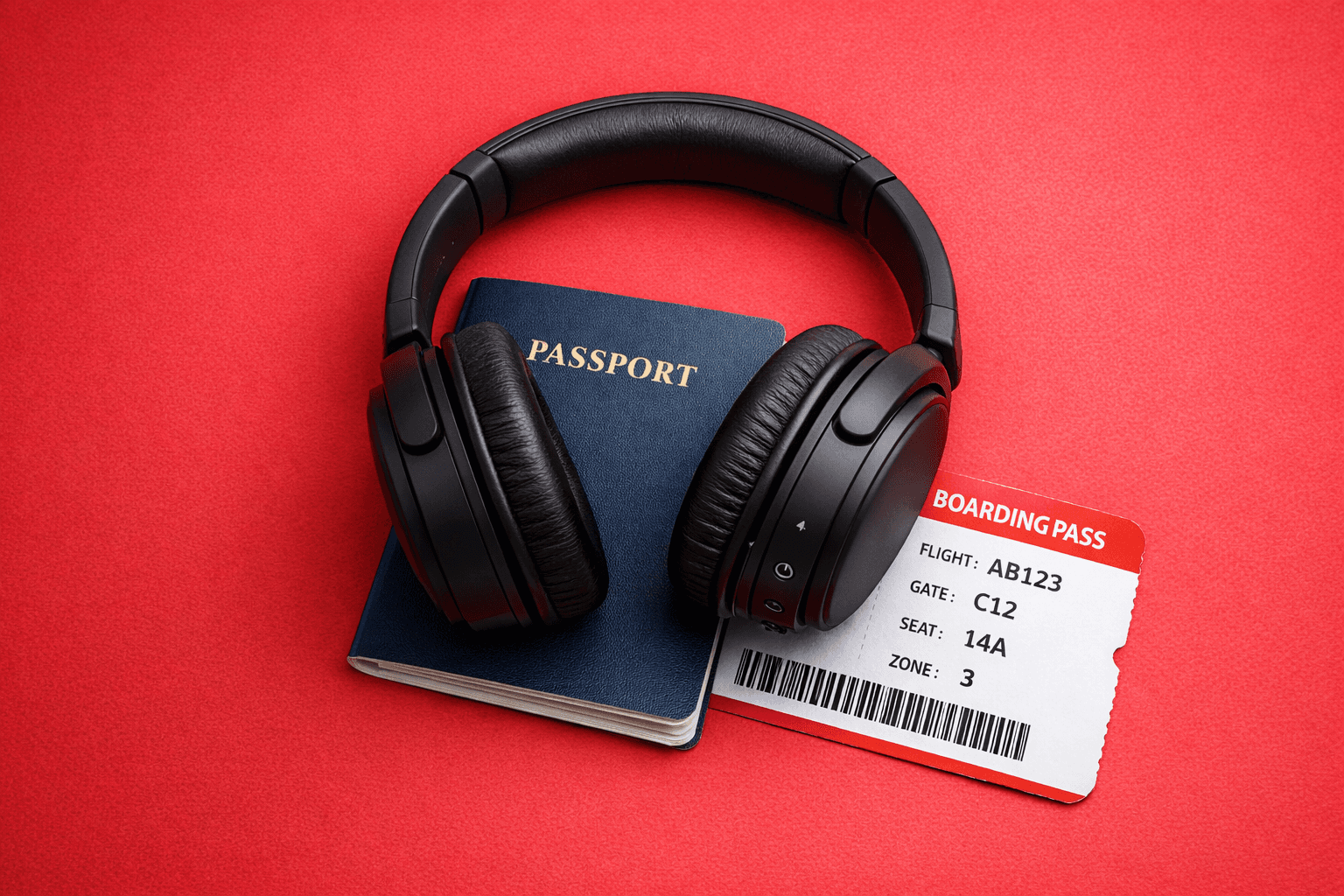
Working From Airports: The Modern Office
Airports are the new coworking spaces. Here’s how to work from airports smoothly—connectivity, focus, security, power, and a simple setup that actually holds up.
Airports used to be dead time.
Now they’re meeting time.
A gate becomes a desk. A coffee becomes a deadline. And somehow you’re presenting a deck while a boarding announcement is trying to emotionally sabotage your audio.
If you work while you travel, the airport isn’t a waiting room anymore. It’s your modern office.
The trick isn’t pretending airports are calm. The trick is building a system that works because airports are chaotic.
Here’s how.
1) Accept the airport workflow: short sprints, not deep focus
Airports are built for movement, not flow state. So don’t plan “deep work.” Plan clean sprints.
The best airport rhythm:
10 minutes: set up + get your basics ready
25–40 minutes: focused sprint (one task, one outcome)
5 minutes: save, sync, close tabs, reset
Repeat that twice and you’ve done more than most people do in a full afternoon of “I’ll start soon.”
2) Find the right seat (it’s not about comfort, it’s about control)
Your seat choice decides 80% of your productivity.
Look for:
Power outlet access (without doing yoga under a chair)
Less foot traffic (corners > main walkways)
Good lighting (your eyes and your camera will thank you)
A stable surface (wobbly café tables are productivity assassins)
If you’re taking calls, your real goal is simple: reduce surprises. Fewer announcements in your ear. Fewer people bumping you mid-sentence. Less movement behind you on camera.
3) Don’t depend on airport Wi-Fi (have a backup that’s yours)
Airport Wi-Fi is like airport mood: unpredictable.
Sometimes it’s great. Sometimes it’s “connected with no internet.” Sometimes it works until the exact second you join a call.
So treat Wi-Fi as optional and bring your own plan:
Use mobile data when it matters
Use Wi-Fi for non-sensitive browsing or big downloads (only if stable)
Avoid logging into anything important on public networks unless you’re protected
A travel eSIM (like Virgin Connect Roam) is basically your “I’m not risking this meeting” switch—especially when you land and you need internet immediately without chasing kiosks or SIM swaps.
4) Battery is your rent. Pay it early.
Airports drain devices fast:
Bright screens
Endless scanning for networks
Long sessions on calls or documents
Airport rules:
Charge first. Work second.
Always carry: a power bank + a multi-port charger
If you have 20% battery, you have a problem—not a plan.
Pro move: keep one cable permanently in your bag. Never “borrow” your main one from home. That’s how cables disappear.
5) Sound is the difference between “professional” and “chaos”
You can look messy on a call and still survive.
You can’t sound messy and be taken seriously.
Your airport audio kit:
Noise-canceling headphones (or good earbuds)
Mic that doesn’t make you sound like you’re underwater
Quick “mute discipline” (your future self will be proud)
If you’re joining a call: join muted, confirm audio, then speak. Simple, but it saves you from being the accidental main character of an airport announcement.
6) Secure your work like you’re in public (because you are)
An airport is not your office. It’s public space with lots of eyes.
Quick security habits that matter:
Use a VPN when possible
Avoid opening sensitive docs unless you have privacy
Enable auto-lock and screen timeout
Turn on 2FA everywhere
Don’t leave your laptop open when you stand up (even for “one second”)
If you want to feel like a pro: carry a privacy screen. It’s not dramatic. It’s smart.
7) Build a “gate-ready” workflow (so boarding doesn’t destroy your work)
The classic airport failure: you’re mid-task, boarding starts, and you lose your place.
Fix it with a simple habit:
Keep one note called “Next 3 Moves”
Every time you stop, write: what’s done + what’s next + the link/file you need
Save everything to cloud (or offline + sync later)
This turns interruptions into pauses—not resets.
8) The Airport Work Kit (minimal, not excessive)
You don’t need a full setup. You need the right essentials.
The real MVP list:
Laptop
Multi-port charger
Power bank
Noise-canceling headphones
One cable pouch (keep it consistent)
A “work sprint” task list (3 items max)
Optional upgrades:
Foldable laptop stand
Small mouse
Privacy screen
Final thought
The airport isn’t the enemy.
It’s just a different kind of office.
When your setup is simple, your internet is reliable, and your workflow is sprint-based, airports stop feeling like wasted time. They become a surprisingly productive in-between space.
You don’t need perfect conditions.
You need a system that survives reality.
About Me

your travel companion for destination tips and eSIM guides—helping you roam smarter and stay seamlessly connected worldwide
Trending Post




Stay up-to-date
Related Post
Roaming bills are broken, and summer makes it worse. Here's why 301K people searched "eSIM vs roaming" last month, and how to travel connected for less this summer.
Trying to install a travel eSIM but the QR code will not scan? Here are the most common reasons it happens and the quick fixes that usually solve it.
Travel eSIM vs roaming: which is cheaper, easier and better for travel? Compare roaming fees, setup, speed and flexibility before your next trip.
Traveling to Turkey and not sure whether to get an eSIM or a local SIM card? Here’s the simple comparison on setup, price, convenience, and what works best for most travelers.