
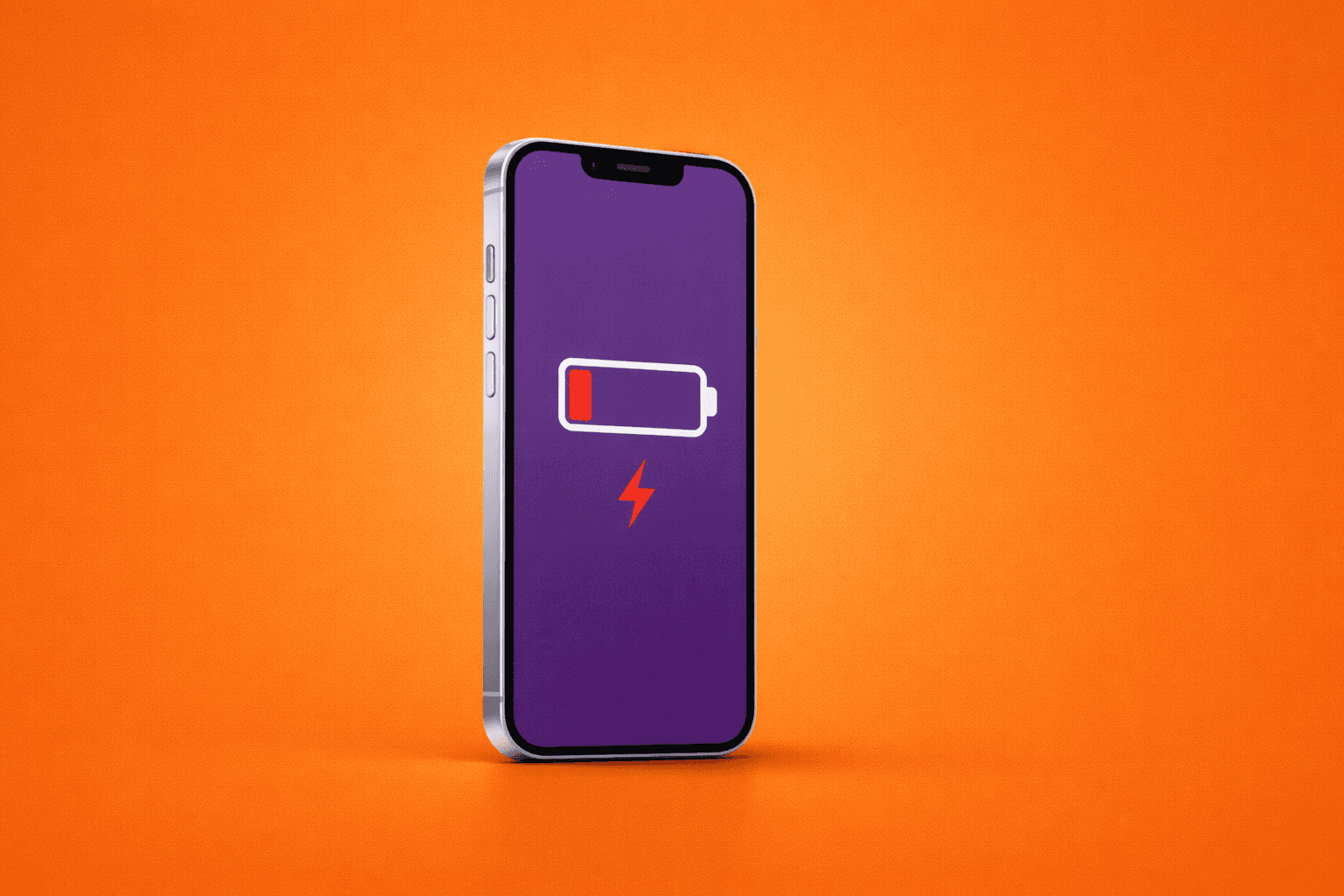
7 Travel Mistakes That Cost You Time, Money & Battery Life
Modern travel is supposed to feel easier. Flights are faster, bookings are digital, and your phone now replaces maps, tickets, wallets, and translators. Yet for many travelers, the moment they land is still stressful.
The reason is rarely the destination. It is the small travel mistakes people keep repeating. These mistakes quietly drain your time, inflate your spending, and destroy your phone battery before the trip even begins.
Here are seven common travel mistakes and what experienced travelers do instead.
1. Landing Without a Connectivity Plan
Many travelers assume they will sort out mobile data after landing. This usually leads to confusion at arrivals, slow connections, and unnecessary stress.
Without data, you cannot access maps, ride apps, hotel details, or boarding passes for onward travel. Your phone spends extra battery searching for networks while you stand still trying to connect.
Experienced travelers set up connectivity before they fly so their phone works the moment airplane mode is turned off.
2. Relying on Airport Wi Fi
Airport Wi Fi feels like a safe backup, but it is one of the most unreliable ways to connect. Networks are often overloaded, time limited, or require repeated logins.
You lose time reconnecting. Your battery drains faster while the phone hunts for signal. And sensitive actions like payments or account logins are less secure on public networks.
Smart travelers treat airport Wi Fi as a last resort, not a plan.
3. Keeping Roaming On Just in Case
Turning roaming on temporarily sounds harmless, until the bill arrives.
Many travelers forget to turn it off again or assume short usage will not matter. Background apps continue syncing. Maps refresh. Notifications update. The cost adds up quietly.
This mistake costs money first, then peace of mind later. Travelers who plan ahead avoid roaming entirely rather than trying to manage it mid trip.
4. Buying a Local SIM After Landing
Standing in line for a SIM card shop after a long flight wastes time and energy. You may need cash, identification, or help with installation. Language barriers slow things down further.
Every extra step costs battery life as you research options and compare prices on the spot.
Experienced travelers avoid physical SIM swaps and handle setup digitally before they travel.
5. Letting Your Phone Search for Signal Constantly
In unfamiliar locations, phones often bounce between networks trying to find the strongest connection. This is one of the fastest ways to drain battery life.
Poor signal forces your phone to work harder. Background apps keep retrying. Location services stay active longer.
Reliable connectivity reduces battery drain simply by giving your phone a stable connection to work with.
6. Forgetting to Prepare Offline Essentials
Many people assume data will always be available. Then they discover they need directions, reservations, or tickets at the exact moment coverage drops.
Scrambling to reconnect costs time and power.
Experienced travelers download maps, booking confirmations, and key documents before they leave, even if they plan to stay connected.
7. Treating Connectivity as an Afterthought
Flights and hotels get planned weeks ahead. Mobile data often gets five minutes of thought at the gate.
That mismatch causes friction throughout the trip. You waste time fixing problems that could have been avoided. You spend more than expected. Your phone battery never quite recovers.
Seasoned travelers treat connectivity as part of trip planning, not an emergency task.
What Smart Travelers Do Differently
They prepare connectivity before departure
They avoid public Wi Fi whenever possible
They use transparent pricing instead of guessing
They rely on stable networks to preserve battery life
They remove unnecessary steps after landing
The result is not just better internet. It is a calmer arrival, smoother movement through the city, and more energy for the trip itself.
Travel Is Complicated Enough
Unexpected delays happen. Flights change. Weather surprises you. That is part of travel.
Your phone connection does not need to be another problem to solve.
By avoiding these common mistakes, you save time, protect your budget, and keep your battery alive for the moments that matter.
Because the best trips are not the ones where everything is perfect. They are the ones where nothing gets in your way.
About Me

your travel companion for destination tips and eSIM guides—helping you roam smarter and stay seamlessly connected worldwide
Trending Post




Stay up-to-date
Related Post
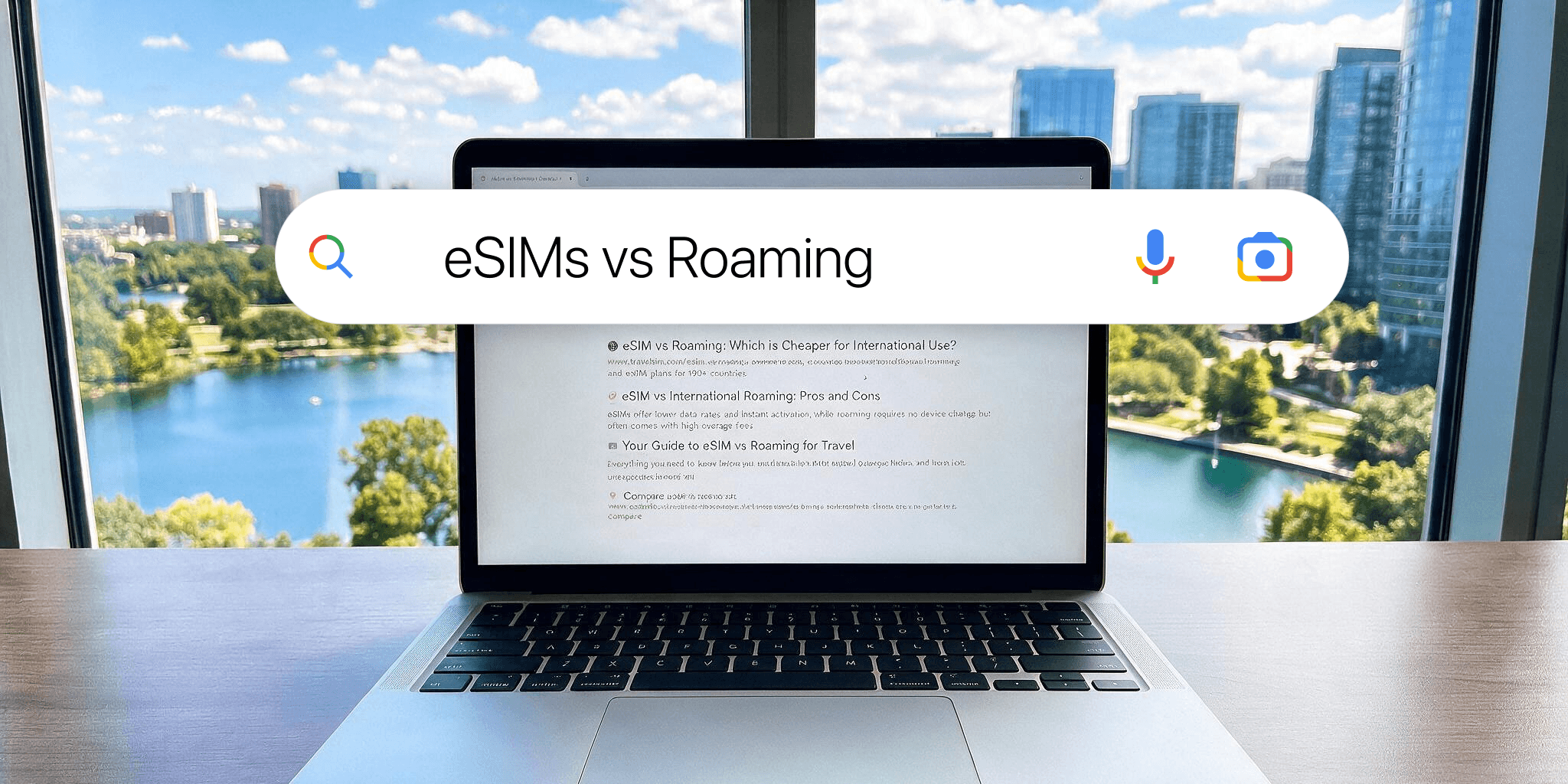
Roaming bills are broken, and summer makes it worse. Here's why 301K people searched "eSIM vs roaming" last month, and how to travel connected for less this summer.
Trying to install a travel eSIM but the QR code will not scan? Here are the most common reasons it happens and the quick fixes that usually solve it.

Travel eSIM vs roaming: which is cheaper, easier and better for travel? Compare roaming fees, setup, speed and flexibility before your next trip.
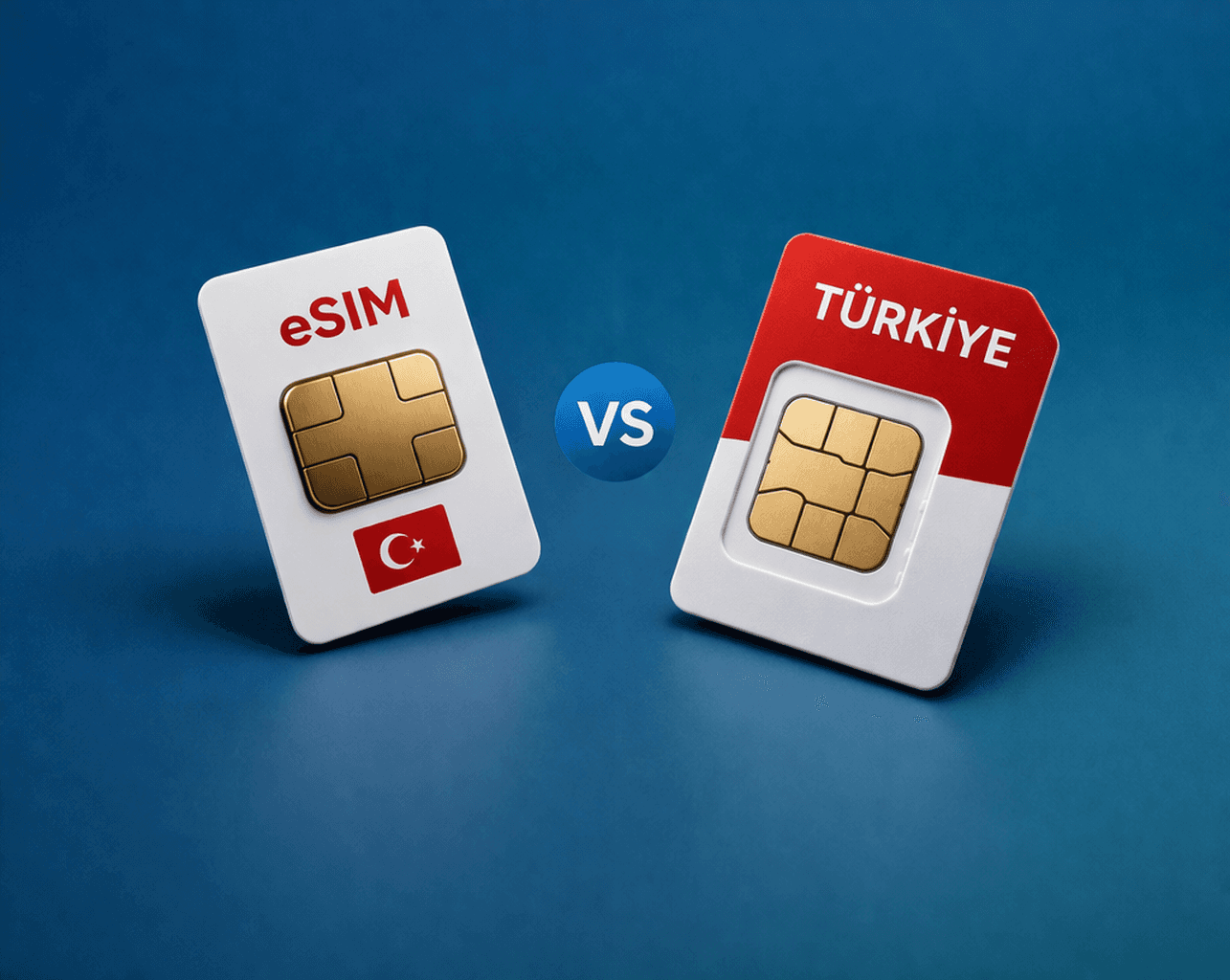
Traveling to Turkey and not sure whether to get an eSIM or a local SIM card? Here’s the simple comparison on setup, price, convenience, and what works best for most travelers.