
How to check if your iPhone is unlocked?
Before switching carriers, installing an eSIM, or traveling abroad, one question matters more than most people realize. Is your iPhone unlocked?
How to Check If Your iPhone Is Unlocked
An unlocked iPhone gives you freedom. A locked one can stop you from connecting when you need it most. Luckily, checking your iPhone unlock status is simple and only takes a few minutes.
This guide walks you through the most reliable ways to find out.
What Does Unlocked Actually Mean
An unlocked iPhone is not restricted to a single mobile network. You can use SIM cards or eSIMs from different providers without limitations.
A locked iPhone only works with the carrier it was originally purchased from. This can block international SIMs, eSIM activation, or even local data plans while traveling.
Check iPhone Unlock Status Using Settings
This is the easiest and most accurate method for most users.
Steps
Open Settings
Tap General
Tap About
Scroll down to Carrier Lock
If it says No SIM restrictions, your iPhone is unlocked.
If it shows a carrier name, your iPhone is locked.
If you do not see this field, your iOS version may be outdated.
Test With a Different SIM Card
If you have access to another SIM card from a different carrier, this method works well.
Steps
Turn off your iPhone
Insert a SIM card from another network
Turn the phone back on
If your iPhone connects to the network, it is unlocked.
If you see a SIM not supported message, the phone is locked.
This test is especially useful if you are unsure about your device history.
Contact Your Mobile Carrier
If your iPhone was bought through a carrier, they can confirm its lock status.
You can contact customer support or log into your carrier account. In many cases, phones are automatically unlocked once contracts are completed or devices are fully paid.
If your phone qualifies, unlocking is usually quick and permanent.
Check With Apple Support
Apple Support can also verify whether your iPhone is locked.
You will need your IMEI number, which you can find in Settings under General and About. Once provided, Apple can confirm the lock status associated with your device.
Why This Matters for eSIM and Travel
Using an eSIM requires an unlocked iPhone. Locked devices often block eSIM installation from providers outside your original carrier.
An unlocked iPhone lets you
Install eSIMs before you travel
Avoid airport SIM queues
Switch networks instantly
Reduce roaming costs
Stay connected across multiple countries
For frequent travelers, this flexibility makes a real difference.
What to Do If Your iPhone Is Locked
If your iPhone is locked, do not panic.
Start by contacting your carrier and asking about unlocking eligibility. Most carriers unlock phones once payment or contract conditions are met.
Once unlocked, your iPhone stays unlocked permanently.
Final Thoughts
Checking whether your iPhone is unlocked is a small step that prevents big problems later.
Do it before you travel. Do it before installing an eSIM. Do it before switching carriers.
A few minutes now can save hours of frustration when you need your phone to just work.
Before you travel, one small check can make a big difference. With a Virgin Connect Roam travel eSIM, you can get online the moment you land without swapping SIM cards, hunting for airport Wi Fi, or worrying about roaming surprises. Setup takes minutes, works on unlocked iPhones, and gives you flexible data across multiple countries so your connection is ready before your trip even starts. It is one less thing to think about while you focus on where you are going next.
About Me

your travel companion for destination tips and eSIM guides—helping you roam smarter and stay seamlessly connected worldwide
Trending Post




Stay up-to-date
Related Post
Roaming bills are broken, and summer makes it worse. Here's why 301K people searched "eSIM vs roaming" last month, and how to travel connected for less this summer.
Trying to install a travel eSIM but the QR code will not scan? Here are the most common reasons it happens and the quick fixes that usually solve it.
Travel eSIM vs roaming: which is cheaper, easier and better for travel? Compare roaming fees, setup, speed and flexibility before your next trip.
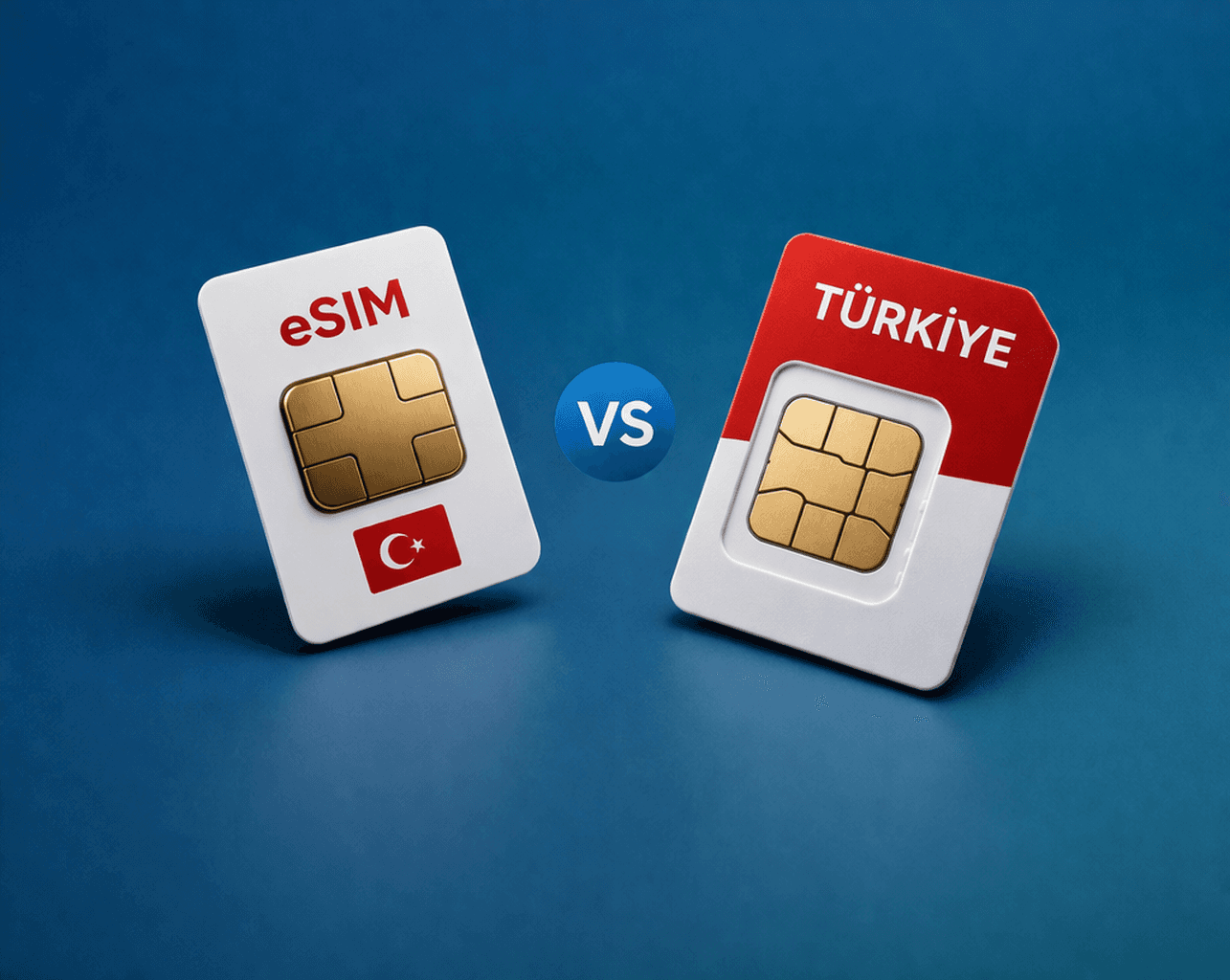
Traveling to Turkey and not sure whether to get an eSIM or a local SIM card? Here’s the simple comparison on setup, price, convenience, and what works best for most travelers.